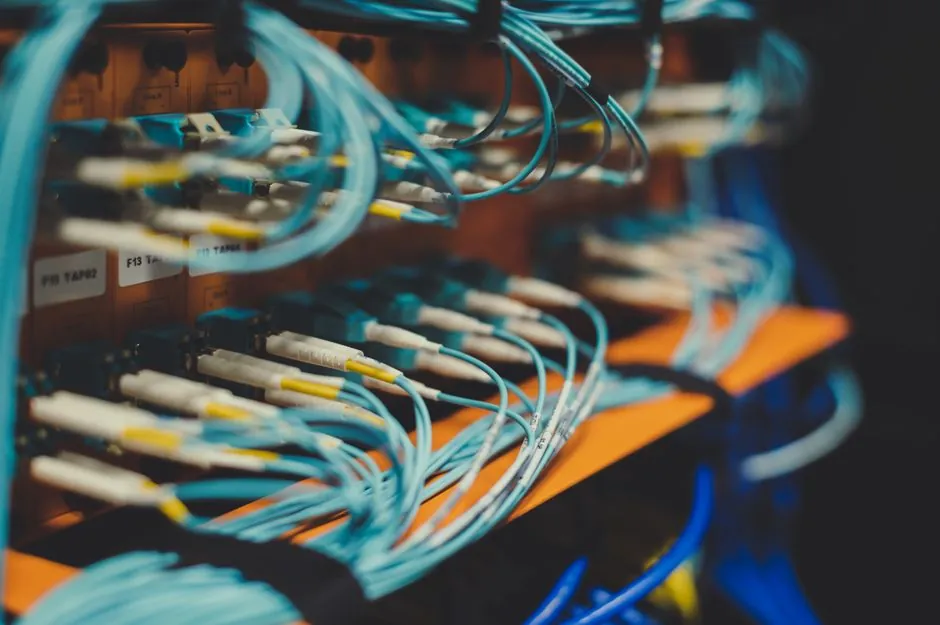
A standalone data logger captures timestamped values, while a SCADA historian records process data in structured database records for long-term analysis and reporting [S1][S2].
The practical distinction is the data layer: loggers emphasize acquisition and file transfer, whereas historians add schema, retention, query access, trends, dashboards, and operational context [S1][S2][S7].
Data Format and Storage Architecture
A SCADA historian stores time-stamped time-series data in a database with a formal schema that identifies values, their relationships, and metadata, making the records suitable for automated analysis rather than manual spreadsheet work [S1].
The historian is therefore more than a file archive. One industrial implementation supports continuous time-series logging and event-based recording, while also allowing logging to be enabled or disabled by conditions or calculations [S3].
Retention, Compression, and Query Depth
Historian platforms compress and retain months or years of tag data, whereas SCADA trending is intended for recent live values and does not by itself provide the same long-term analytical store [S2].
That longer retention changes the engineering use case. A logger can preserve a pressure or temperature sequence for later transfer, while a historian supports batch-to-quarter comparisons, trend retrieval, reporting, and machine-learning data pipelines without repeatedly polling live PLCs [S1][S2].
Some historian systems can calculate time-weighted averages, minimums, maximums, change in value, start values, totalizers, digital transition counts, and non-zero time from raw tag data over user-defined time slices [S4].
Capture Rates and Failure Protection
The OAS Data Historian can log at high speed to most database platforms and simultaneously to CSV files.
The OAS Data Historian provides fault-tolerant logging, zero data loss, and multi-destination storage with Store and Forward technology.
The VTScada Historian provides trend displays, tabular data displays, and data export through its automatically configured historical database.
Trigger, Event, and Context Logging
A basic logger can record values over time, but it does not necessarily capture the operational context around an event.
For remote or temporary monitoring, a data logger can remain a practical acquisition device. For plant-wide reporting, an integrated historian provides the stronger record because it connects tags, triggers, summaries, and stored values in one queryable system [S1][S4].
Connectivity and Deployment Fit
Data loggers and data historians live alongside a PLC and gather data from the PLC and control devices that have not been mapped in the PLC.
Historian products can be tied to a SCADA layer or operate as a wider plant data service. The listed Ignition Tag Historian requires Ignition as the SCADA layer, while AVEVA PI System targets multi-site deployments and N3uron targets Unified Namespace architectures [S2].
Data historian selection criteria include protocol coverage, redundancy, Unified Namespace support, and fit with an OT security posture.
The distinction is also architectural, not merely a naming convention.
Decision Criteria: Logger or Historian
A data historian compresses and retains months or years of tag data for comparison, analysis, and other uses such as feeding a machine-learning model.
For a direct product-design comparison, Data Logger vs DAQ: Choose by Speed and Deployment explains where acquisition rate and deployment architecture drive the selection between a logger and a DAQ system.
Limits, Cost, and Failure Modes
A historian introduces server, database, network, and administration responsibilities. Its capacity depends on tag count, scan rate, compression, storage media, and network availability, so headline throughput does not remove the need for capacity engineering [S2][S3][S4].
Neither architecture removes the need to define retention. Historian storage can grow with available drive capacity, while configurable age-based deletion or per-tag record limits can be applied when storage is constrained [S4].
The practical boundary is clear: use a logger as a recorder, and use a historian when engineers need the recorded data to behave like an industrial database. A purchase specification should state tag count, scan interval, retention period, event rules, query interfaces, database destination, and outage-recovery behavior before product selection [S1][S2][S3][S4].