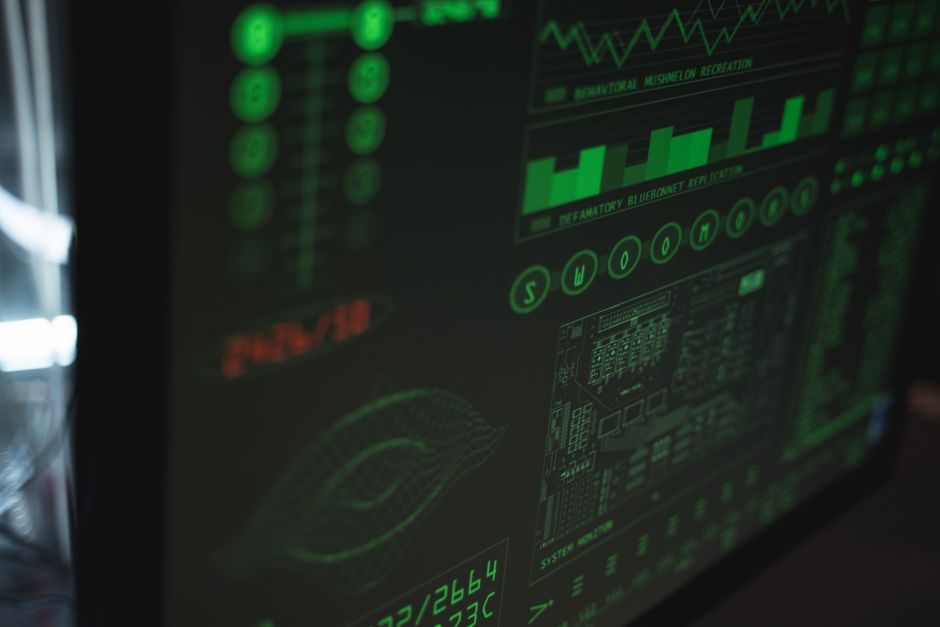
SCADA software and HMI touch panels sit at different layers of an industrial control stack, and conflating them is the single most common mistake made by junior specifiers on greenfield plants in 2026 [S2].
SCADA is a supervisory software layer that aggregates data from PLCs, RTUs and sensors across a plant network, runs trending/historian functions, issues batch commands and pushes alarms to operator stations; an HMI touch panel is a local visualization device, typically a 4 to 15 inch panel PC with Ethernet and RS-485, that renders process graphics for one machine or one skid [S1][S2].
Functional Boundary: What Each Layer Actually Does
SCADA is defined by its plant-wide scope and historical data layer: it polls PLCs and RTUs over industrial protocols, archives tag values to a historian database, runs alarming on thousands of points, and exposes a client/server HMI to operator workstations on the control room LAN [S2]. An HMI panel, in contrast, is a single physical display plus an embedded runtime (often Linux, Windows CE/Embedded, or a JVM-based stack) that renders screens for a local machine, accepts operator inputs, and forwards those inputs back to the controlling PLC over a field bus [S1][S3].
For specifiers, the practical consequence is licensing granularity: SCADA is sold by I/O tag count, server/client seat count and historian retention, while an HMI panel is sold as a hardware SKU with a defined display size, touch technology and on-board I/O [S1][S2]. A 500-tag SCADA license paired with three 10-inch HMI panels is a typical skid-level configuration; a 50,000-tag SCADA server farm paired with 40 control-room HMI clients is a typical refinery configuration.
Hardware I/O and Connectivity: HMI Panel Spec Sheet
Current HMI touch panels ship with Ethernet (10/100 Mb, increasingly GbE on premium lines) and at least one RS-485 port as a baseline, and many mid-range SKUs expose a second RS-485 for redundant field-bus drops [S1]. USB ports on the panel are not just for programming: they accept USB-to-serial adapters, USB Wi-Fi dongles and USB storage, so the effective serial-port count scales with USB hub depth rather than the printed spec sheet [S1].
Typical protocol reach from a panel covers Modbus RTU/TCP on RS-485 and Ethernet, plus vendor-specific PLC drivers (Siemens S7, Mitsubishi MC, Omron FINS, Allen-Bradley EtherNet/IP) shipped as built-in or licensed plug-ins. Touch panel options include resistive and capacitive variants, as illustrated by product images for these touch technologies [S1]. The HMI touch panel 2026 buying guide walks through IP rating, touch technology, temperature window and certifications as the four spec gates that gate any panel purchase.
Software Stack: SCADA Runtime, Web Clients and Cross-OS Portability
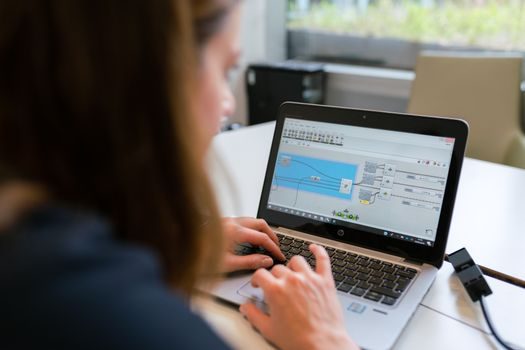
SCADA software in 2026 is rarely a single Windows-only package; modern stacks ship with a Windows server, a web client for thin-client operator stations, and increasingly a Linux runtime for cost-sensitive and ARM-based edge deployments. Java-based SCADA/HMI runtimes such as the one covered under Focus HMI run unmodified on Linux, Ubuntu, Debian, Armbian, Raspberry Pi and Orange Pi, with the licensing model split: free when used to program the vendor's own HMI panels, paid when used as a generic Linux/Ubuntu/Debian/Armbian/Raspberry Pi/Orange Pi SCADA runtime [S3].
This cross-OS portability matters at the spec desk because it lets the same tag database, screen project and script library run on a Raspberry Pi SCADA node for a remote pump skid and on a Windows server pair for a 20,000-tag plant without rewriting graphics. The cost curve is also distinct: SCADA licenses are typically priced per tag (US$5 to US$50 per tag depending on historian, redundancy and redundancy level), while HMI panel firmware licenses are bundled with the panel or sold as a one-time runtime key per device.
Decision Criteria: SCADA, HMI Panel, or Both
Use the table below to map a scope to the right layer; mixing the two is normal, not a mistake. [S1]
Single machine, less than 200 tags, no historian, no remote access: a standalone HMI panel talking Modbus TCP to one PLC is the right call. Avoid adding SCADA in this scope because the historian, alarming and licensing overhead will exceed the engineering cost of the machine itself [S1][S2].
Multiple machines, 200 to 5,000 tags, one-line historian, remote browser access: SCADA software with HMI panels at each local skid is the standard 2026 architecture. The panels act as local operator stations, the SCADA server aggregates, trends and alarms at plant level [S2][S3].
Plant-wide, 5,000 to 100,000+ tags, redundant servers, regulatory historian retention (21 CFR Part 11, ISA-95 batch, IEC 62443 zones): a full SCADA server pair with dedicated HMI clients in the control room, plus rugged HMI panels on the shop floor. SCADA is non-negotiable here; HMI panels are still useful as local backups if the control room network drops.
Protocol and Data Model Differences

HMI panels natively speak field-bus protocols at the I/O level: Modbus RTU on RS-485, Modbus TCP on Ethernet, and vendor PLC protocols over Ethernet [S1]. SCADA servers sit one layer up and typically communicate with PLCs as polling masters using the same protocol family, then expose OPC UA, MQTT, SQL/ODBC and REST endpoints to higher-level systems such as MES, ERP and cloud historians [S2].
The data model is therefore different. An HMI panel holds a flat tag list scoped to one project file; a SCADA server holds a hierarchical, historized, alarmed tag database with engineering units, scaling, deadbands, access control and audit trails. A HMI tag is a label; a SCADA tag is a regulated data point. This is why a comparison like the HMI touch panel 2026 buying guide focuses on hardware gates (IP, touch tech, temperature, certifications) while a SCADA selection is dominated by tag licensing, redundancy and historian retention — fundamentally different selection logic.
Selection Criteria and Common Failure Modes
For HMI panel selection, the four gates are: (1) front-face IP rating for the mounting environment (IP65 minimum for washdown, IP66 for hose-down, IP69K for food/beverage), (2) display brightness and operating temperature window for outdoor or freezer installs, (3) touch technology matched to operator PPE (resistive for gloves, PCAP for bare-finger multi-touch), and (4) certifications for hazardous areas (ATEX, IECEx, UL Class I Div 2) when the panel is mounted inside Zone 1 or Zone 2 [S1]. RS-485 count, USB count and Ethernet speed round out the spec.
For SCADA software selection, the gates are: tag count and price-per-tag, server OS support (Windows Server, Linux), web-client capability, historian retention and compression, built-in redundancy (hot-standby, cold-standby), batch/recipe module (ISA-88), and cybersecurity posture (role-based access, IEC 62443 conformance, signed updates). Common failure modes on the SCADA side are under-sizing the historian disk (retention math is usually off by 3x to 10x at design time) and ignoring the licensing model for thin clients and web seats. On the HMI side, the dominant failure is buying PCAP panels for environments with gloves, chemical cleaning or water droplets, which causes false touches and dead zones.
Standards, Sourcing and 2026 Trackable Signals

Standards to anchor in the spec: IEC 62443 for industrial cybersecurity zoning across the SCADA/HMI network boundary, ISA-101.01 for HMI graphics consistency, ISA-88 for batch/recipe models inside SCADA, and ATEX 2014/34/EU plus IEC 60079 for HMI panels mounted in hazardous areas [S1]. On the data-exchange side, OPC UA over TCP is the 2026 default for SCADA-to-MES hand-off, and MQTT over TLS is the default for SCADA-to-cloud telemetry.
Trackable signals to watch over the rest of 2026: cross-OS SCADA runtimes moving further down into ARM-based edge gateways (Raspberry Pi, Orange Pi class hardware) at sub-US$200 nodes [S3]; HMI panel makers consolidating RS-485 + Ethernet + USB into smaller 4-inch and 7-inch SKUs to replace traditional push-button panels; and SCADA vendors pushing OPC UA pub/sub over UDP as the lower-latency alternative to OPC UA over TCP for time-critical control loops. Specifiers can ignore HMI vs SCADA debates that still frame them as competing products — the 2026 architecture is SCADA-plus-HMI by default, with the panel as the local view and the SCADA server as the plant-wide brain.
For component-level specifications, see scada software, hmi panel, and alc panel.