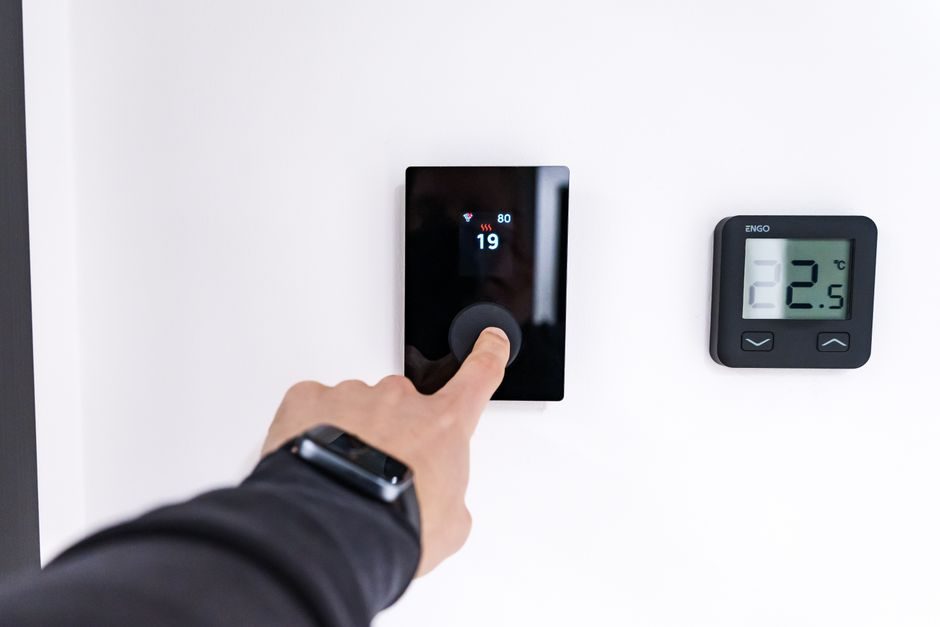
Industrial HMI touch panel selection in 2026 hinges on five hard specification gates: screen diagonal and aspect ratio, touch-sensing technology, front-face ingress rating, controller CPU and memory class, and the communication protocol stack to the PLC or drive. Getting any one of those wrong turns a usable operator interface into a maintenance liability, so the spec has to be frozen against the worst-case environment on the line, not the average one [S1][S2].
A HMI panel selection that does not pin down diagonal, touch tech, IP rating, CPU class and protocol support up front is the single most common reason a control cabinet gets reworked six months after commissioning.
Display diagonal, aspect ratio and the operator-distance rule
The mainstream industrial HMI diagonal starts at 3.5" (around 70 mm corner-to-corner) for machine-level panels, runs through 4.3", 7", 10.1", 10.4", 12.1", 15", 15.6", 17", 18.5" and tops out at 21.5" and 23.8" for line-of-plant overview screens [S2]. The 4:3 aspect ratio still dominates on 5.7", 10.4" and 12.1" SKUs because it fits legacy cut-outs in existing enclosures, while 16:9 widescreen has become the default for 7", 10.1", 15.6" and 21.5" panels [S1][S2].
The size you order should be set by the maximum operator eye-to-panel distance: 3.5"-4.3" reads cleanly at roughly 0.3-0.5 m, 7"-10.1" at 0.5-1.5 m, and 15"-21.5" at 1.5-3 m and beyond. Underspec the diagonal and operators end up leaning in to read trend pages; overspec it and the cabinet cut-out grows with the BOM cost for no readability gain. Resolutions cluster around 480×272 (4.3"), 800×480 (7"), 1024×600/768 (10.1"/10.4"), 1280×800 (10.1" widescreen), 1280×1024 (12.1"/15"/17" 4:3) and 1920×1080 (15.6"/21.5" widescreen) [S1][S2].
Resistive 4-wire and 5-wire analog touch remains the workhorse for cost-sensitive machine-level HMIs and is offered on the 3.5" Selec graphic-touch series with Modbus RS-485 master, data logging, recipe and RTC functions [S2]. Resistive panels accept gloved fingers, stylus input and work with water or oil film on the surface, which is why they remain common on shop floors with hydraulic and coolant exposure [S1][S2].
The trade-off is real: PCAP needs tuning (or a specifically tuned firmware stack) to reject water film and to work with thin nitrile gloves, while resistive works out of the box but tops out around 5-wire and is more vulnerable to surface scratching over a 5-10 year service life. On a glove-on, water-present floor (food, beverage, washdown pharma), specify resistive or a PCAP stack explicitly tuned for wet/glove use; on a clean control room, PCAP gives gesture and multi-touch at no readability cost.
Ingress, temperature, vibration and the front-face IP rating
The front face of an industrial HMI should hit at least IP65 against dust and low-pressure water jets, with IP66/IP67 specified on washdown and outdoor lines [S1]. Behind the panel, the requirement drops because the bezel seal is doing the work, but the touch overlay and TFT LCD still have an operating-temperature window that must be checked against cabinet interior temperature, not ambient: 0-50 °C is the common commercial grade, -10 to +60 °C the extended industrial grade, and -20 to +70 °C the harsh-environment class [S1].
Vibration and shock are the silent killers on mobile equipment, panel-mount skids and any cabinet near a punch press or crusher. For those locations, confirm IEC 60068-2-6 vibration and IEC 60068-2-27 shock test data on the datasheet rather than trusting the marketing "industrial" label. Sunlight readability is a separate gate: 200-300 cd/m² works indoors, 400-500 cd/m² is the minimum for an exterior cabinet door, and 800-1000+ cd/m² is needed for direct-sun marine, port equipment and outdoor sign applications [S1]. A 15" panel that reads fine on the FAT bench at 250 cd/m² can become unreadable at 11:00 on a south-facing factory door — specify the nits before you cut the hole.
Controller class: RISC for machines, Cortex-A for line-overview
Machine-level HMIs (3.5"-7") still ship on RISC controllers (ARM7/ARM9 class, 32-bit, 200-500 MHz) with 64-256 MB of flash and 64-128 MB of RAM, sufficient for tag counts in the low thousands and 200-500 screen pages [S1][S2]. The Crouzet CT series and the Selec 3.5" / 4.3" graphic-touch HMIs sit in this bracket and integrate Modbus RS-485 master, data logging, RTC and serial printing without needing a higher CPU class [S1][S2].
Line-overview and IIoT-edge panels (10"-21") use Cortex-A7/A8/A9 or Cortex-A53/A55 quad-core SoCs at 800 MHz-1.6 GHz, 4-8 GB flash, 512 MB-2 GB RAM and run Linux or a hardened WinCE/WES7 image. The reason the CPU class matters: tag count, number of concurrent trend windows, and web/OPC-UA server capability are hard-bounded by it, not by the screen size. If the spec is to publish 50+ trend pages to a SCADA historian and serve a built-in web/OPC-UA gateway, do not try to do it on a 7" RISC panel — pick the Cortex-A class from day one. For a deeper cross-reference on enclosure and control-cabinet integration, see the engineering write-up on three-phase asynchronous motor 2026 buying guide which covers the cabinet-side IP and thermal envelope you are bolting the HMI into.
Protocol stack: Modbus RTU, Modbus TCP, EtherNet/IP, PROFINET
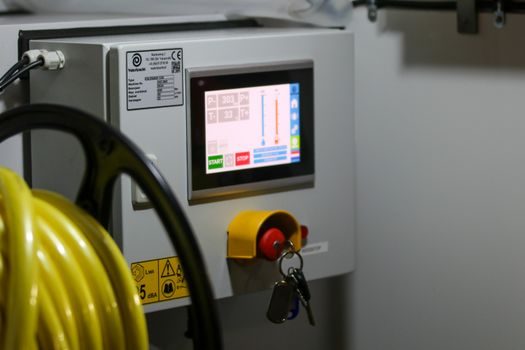
The HMI's value is the data on the screen, which means the protocol stack has to match the PLC and drive fleet, not the brochure. Serial RS-485 Modbus RTU at 9,600-115,200 bit/s is still the dominant machine-level bus, supported by every panel in the 3.5"-7" bracket including the Selec 3.5" Modbus RS-485 master series [S2]. Above that, Ethernet-based protocols split by region: Modbus TCP and EtherNet/IP in North America, PROFINET in EU machinery, and CC-Link IE in Japanese line builds.
At minimum, pin down the following on the datasheet: which protocols run natively (not via an add-on gateway), how many simultaneous device connections are supported, the polling cycle at the worst-case tag count, and whether the panel exposes an OPC-UA server, MQTT broker client or REST API for higher-level MES/ERP integration. A panel that lists "Modbus TCP" but only as a polled master to one or two slaves is not the same as one that runs a concurrent OPC-UA server on the same Ethernet port. For plants that already run HMI panel upgrades next to variable-frequency drives, the stepper drive vs VFD motion-control decision map is a useful cross-read on the protocol and feedback side.
Software stack, screen tags and lifecycle
Vendor configuration software still splits into proprietary (Crouzet Soft, Selec HMIBuilder, Schneider EcoStruxure Operator Terminal Expert, Omron NB-Designer) and the cross-vendor ecosystems (CODESYS HMI, Weintek EasyBuilder Pro). Lock-in to a proprietary suite is a real cost: when the Schneider Magelis HMI touchscreen and membrane keypad supply chain gets stretched, the panel itself often has to be cross-flashed or the spare-parts chain rebuilt around the OEM's part number (e.g. NQ3-MQ000-B Omron NQ Series replacement glass and membrane) [S3][S4].
Lifecycle discipline is the second-ugly gate: industrial HMI service life is 7-12 years, but the active production run of any specific SKU is often 3-5 years before it is replaced by a "new generation" with a different cut-out. Specify a panel family with a documented 5-7 year production-run commitment and a published migration path (same cut-out, new SoC). Cross-check that the manufacturer publishes a PCN / EOL policy, not just a glossy catalogue. On supply-chain risk, the practical pre-2026 experience was that Schneider Magelis HMI touchscreen and membrane keypad repairs, Omron NQ-Series replacement overlays and Crouzet CT-series spares shipped on 4-12 week lead times once a part went EOL, which is why pre-allocating 5-10% of the installed population as cold spares still pays [S3][S4].
Selection matrix: pick the panel family against the use-case
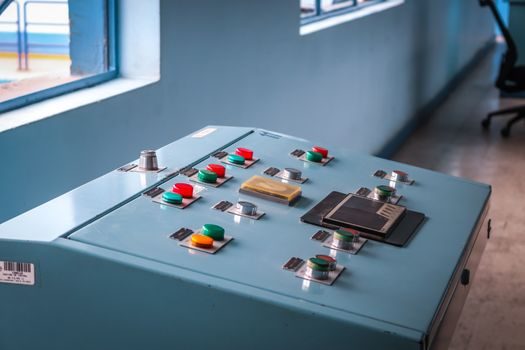
For a 3.5"-4.3" machine-level HMI on Modbus RTU, a 32-bit RISC resistive-touch panel in the Crouzet CT or Selec 3.5" / 4.3" graphic-touch family hits the cost target, runs 200-500 tags comfortably and is field-replaceable without tooling [S1][S2]. For a 7"-10" line-station panel that needs multi-protocol support and 500-2,000 tags, a Cortex-A7/A8 PCAP panel with Modbus TCP, EtherNet/IP and PROFINET class B firmware is the right call. For a 15"-21" line-overview screen that runs OPC-UA server, MQTT publish and a web-vis client, the Cortex-A53/A55 quad-core PCAP panel at 1920×1080 and 400+ cd/m² is the only class that holds up under load.
Spec gating then layers as: (1) diagonal from operator distance, (2) touch technology from glove/water/sunlight exposure, (3) front IP ≥ IP65 with explicit temperature window, (4) CPU class from tag count and protocol count, (5) protocol stack from PLC and drive fleet. A 7" RISC resistive panel on a clean machine in a climate-controlled cabinet is a perfectly good buy; the same 7" panel on a washdown food line is wrong, and the only correct answer is a 10" PCAP with IP66/IP67 front face and a wet/glove firmware stack.
Free spec reference: the IEC 60068-2-6 / 60068-2-27 vibration and shock test data, the front-face IP test certificate (not a generic "IP65" claim), the published EOL policy, and the tag-count / trend-page benchmarks at the controller's worst-case polling cycle. Pin those four items in the purchase spec and the panel you order will still be the panel you are supporting in 2031. The next trackable signal to watch: a second wave of 7"-10" PCAP panels with published wet/glove firmware behaviour and IIoT-native OPC-UA over MQTT, which will compress the RISC-vs-Cortex-A gap through 2026-H2.
For component-level specifications, see aluminum veneer panel.