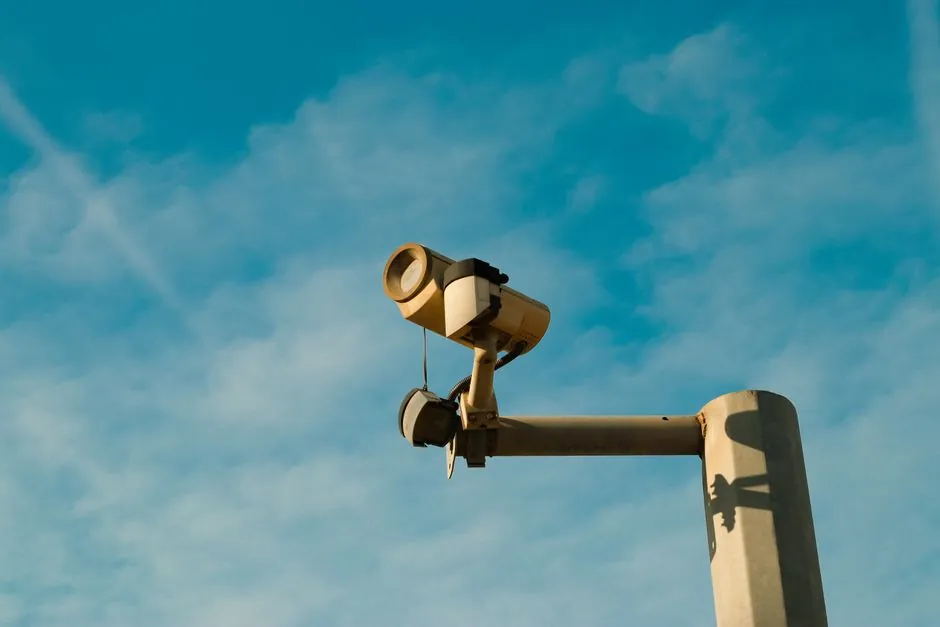
A smart camera combines imager, on-board processor, and I/O in one enclosure, while a PC-based machine vision system separates the camera (often via FireWire, Camera Link, LVDS, or USB) from a host PC, frame grabber, or vision engine running the inspection software [S1].
Smart cameras dominate single-socket inspection cells; PC-based systems handle multi-camera, high-resolution, and line-scan arrays where a single embedded unit cannot scale [S1]. For a deeper side-by-side on selection criteria, see this machine vision system spec-first buyer's map and the industrial camera selection breakdown on sensor and interface trade-offs.
Architecture: One Box vs Distributed Host
A smart camera is a self-contained unit pairing the image sensor with on-board intelligence and I/O, often resembling a vision sensor when the toolset is fixed and limited [S1]. A PC-based machine vision system attaches cameras to a host computer using direct digital interfaces (IEEE 1394/FireWire, Camera Link, LVDS, USB) or routes analog cameras through a frame grabber or vision engine card [S1]. An intermediate "embedded vision computer" is a stand-alone box with frame storage and fixed application routines, tethered to one or more cameras [S1].
Single-socket vs multi-camera scalability is the decisive architectural split: smart cameras and vision sensors are essentially single-socket units, while PC-based systems and embedded vision computers can ingest multiple camera inputs concurrently [S1]. The "intelligence" lives on-board in a smart camera, whereas in a PC-based system it lives in the host CPU/GPU plus software stack [S2].
Resolution, Frame Rate, and Interface Headroom
All three architectures (smart camera, embedded vision computer, and PC-based system) ship with high-resolution imagers around 1000 x 1000 pixels and are also available in color, with smart cameras and most PC-based configurations supporting line-scan cameras as well [S1]. Cognex defines smart cameras as systems that combine a camera and a computer into one, processing and analyzing images without a separate computer [S2].
Keyence's 2025/2026 product line illustrates the resolution spread: the VS Series is a smart camera platform with built-in AI and optical zoom, the CV-X Series pushes up to 64 MP with both AI and rule-based inspection, and the XG-X Series is a modular platform for custom programming and 2D/3D multi-camera setups [S6]. Zebra's framing matches: machine vision cameras prioritize high resolution, fast frame rates, low noise, precise exposure control, hardware triggering, and robust synchronization for industrial duty cycles [S3].
Decision Criteria: Compare Before You Buy

For a procurement-grade comparison, line the two architectures up against the criteria that actually drive a spec sheet. Cognex's framing of a smart camera as "eyes of a human plus the smarts of a computer" maps to a self-contained inspection node useful for defect detection, barcode reading, and robot guidance [S2]. The AIA industry insight makes the same point from the system integrator's side: PC-based vision is generally recognized as having the greatest flexibility and the widest application range, while smart cameras trade that flexibility for faster deployment [S1].
Cost and integration time are the most common selection pivots. Overview AI's comparison pages position an "all-in-one edge smart camera with hardware included and published pricing" against software-only layers that run on existing AOI or KLA imaging hardware, a useful proxy for the total-cost-of-ownership gap between the two architectures [S4]. Zebra contrasts the two by purpose: machine vision cameras are purpose-built for inspection, quality control, robotics, and object recognition, while normal cameras are designed for general-purpose photography and video, with machine vision units adding precise triggering, low latency, and synchronized exposure [S3].
Use Case Fit: Pick by Inspection Profile
Single-point inspection cells (presence/absence, barcode, label check, simple dimensioning) are the natural fit for a smart camera: one socket, one cable, one configuration tool, and published pricing shorten the path from unboxing to first good part [S1][S4]. Cognex lists defect detection, barcode reading, and robot guidance as the canonical smart-camera workloads, and notes that smart cameras make automation and quality control more efficient at the line level [S2].
Multi-camera arrays, high-resolution jobs above the 64 MP class, 3D and line-scan inspection, and lines that need to share state across stations are PC-based or embedded-vision-computer territory. The AIA insight is explicit: smart cameras and vision sensors are essentially single-socket units, while PC-based systems can generally handle multiple camera inputs, and embedded vision computers often support multiple camera arrangements even when their toolset is more fixed than a smart camera's [S1]. For background on how these cameras are wired into the broader machine vision system, the vision controller and the smart camera encyclopedia entries walk through the component roles.
Limits, Failure Modes, and Standards to Watch
Smart cameras cap out on toolset flexibility: a vision sensor with a limited and fixed performance envelope can handle one job well, but a programmable smart camera is needed when the imaging algorithms or application functions must change on the line [S1]. PC-based systems cap out on footprint, power budget, and synchronization complexity: multi-camera setups need careful interface planning (Camera Link, LVDS, USB, 1394), and a failed host PC can stop the whole line rather than a single cell [S1].
Industrial environmental hardening is non-negotiable for either architecture. Zebra specifies that machine vision cameras must withstand varying lighting, temperature extremes, and vibration, and must deliver consistent image capture across those conditions, with hardware triggering and low latency as required behaviors rather than options [S3]. Cognex and Zebra both treat PLC integration, deterministic I/O, and on-device decision logic as baseline requirements for a production-grade machine vision system, and Zebra notes that machine vision vs. computer vision is a scope question: computer vision does not require a camera at all and can run on stored or synthetic images, while machine vision is the industrial-control subset that always starts with a captured image [S5][S7].
Sourcing and Selection Signals
Treat camera interface (USB3 Vision, GigE Vision, 10 GigE, CoaXPress, Camera Link) as a hard spec, not a footnote, because it gates cable length, bandwidth, and frame rate headroom. The AIA insight lists IEEE 1394/FireWire, Camera Link, LVDS, and USB as the historic PC-side interfaces, with line-scan support common in both smart-camera and PC-based configurations [S1]. Keyence's three-tier catalog is a clean illustration: VS Series for fast-deployment smart-camera cells, CV-X Series for high-resolution AI or rule-based inspection up to 64 MP, and XG-X Series for modular multi-camera custom builds [S6].
A 2026 buying heuristic that holds across the sources: if the line has one inspection point, tight factory floor space, and a fixed inspection recipe, start with a smart camera. If the line needs more than two synchronized cameras, line-scan, 3D, or resolution beyond what a single smart camera exposes, spec a PC-based machine vision system or an embedded vision computer and budget the integration time that comes with it. For a broader view of total cost, the industrial camera price and cost guide tiers out published vs quoted pricing across smart-camera, industrial, and scientific camera classes.